Buxo 1.0.1: Your Invitees Can Now Reschedule Themselves
No more 'can we move this?' emails. Buxo now lets invitees reschedule or cancel directly from their confirmation — and still respects every rule you set.
Every founder knows this moment.
A meeting is on the books. Your investor or prospect needs to move it. Instead of just moving it, they send you an email. You reply with new options. They pick one. You update the invite. Three emails for a five-minute problem.
Today that changes.
What’s new in Buxo 1.0.1
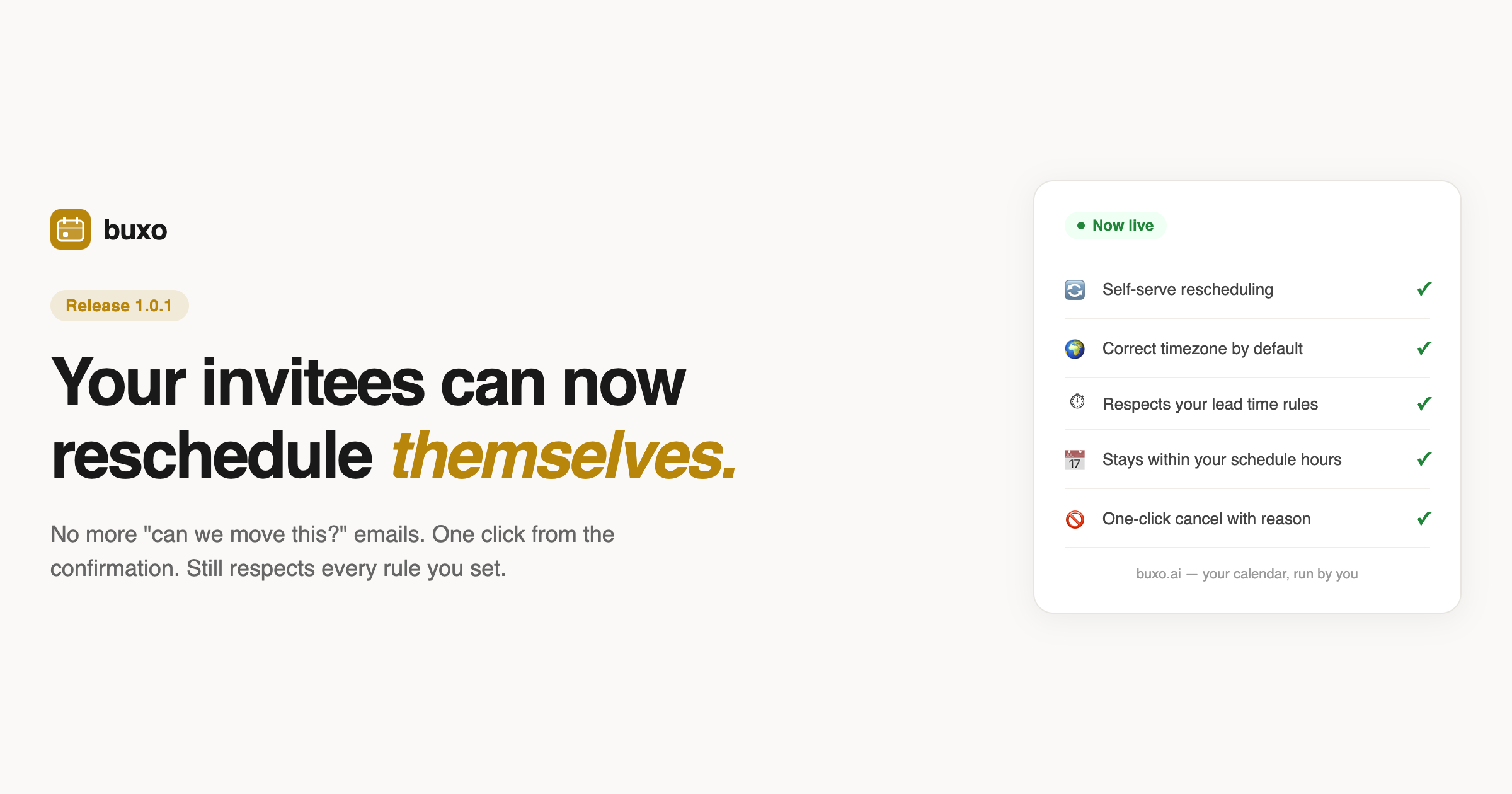
Every booking confirmation email now includes a Manage Booking link. Your invitee clicks it, picks a new time from your actual availability, and the booking updates automatically. No email thread. No back-and-forth. No you involved at all.
They can also cancel with an optional reason, directly from the same page.
This is what self-serve rescheduling should look like: fast for them, invisible for you.
The part other scheduling tools get wrong
Here is the thing about letting invitees reschedule: if the tool just lets them pick any future time, you have a problem.
Most scheduling tools treat rescheduling as a free-for-all. The invitee gets a calendar, they pick whatever looks good to them, and you end up with a meeting booked for 7am because technically you were “available.”
Buxo does not work that way. When an invitee reschedules through Buxo, they see exactly what a new invitee would see. Every rule you set is enforced:
- Your lead time. If you require 24 hours notice, they cannot book tomorrow morning at 6am.
- Your scheduling window. If you only open your calendar 14 days out, they cannot book three months from now.
- Your daily cap. If you have set a limit of three meetings per day, a fourth reschedule into a full day will not go through.
- Your working hours. If you only take calls Monday through Friday between 9am and 6pm, they cannot reschedule to Sunday at midnight.
This is the difference between a smart scheduling agent and a dumb calendar widget. Buxo knows your rules. It enforces them whether someone is booking for the first time or the third.
Timezone: always the one that makes sense
When an invitee opens their manage link, they see their booking displayed in the timezone they originally used. Not the timezone of whatever device or location they happen to be in when they click the link.
This matters more than it sounds. Founders take calls with people across every timezone. An investor in London books a call in GMT. They travel to New York, open the confirmation email, and see their meeting time. Without this fix, they would see the time in ET, which looks like a different time entirely.
Buxo now shows the time in the invitee’s original booking timezone by default. On the reschedule page, they can change it if they want to, but the starting point is always correct.
One-click cancel
Sometimes a meeting just does not happen.
The same Manage Booking link lets invitees cancel directly, with an optional note explaining why. You get a cancellation notification. The slot reopens automatically. No manual cleanup on your end.
If someone tries to cancel a meeting that is already cancelled (which happens more than you would think, usually because they clicked the link twice), Buxo blocks it cleanly and tells them the booking is already cancelled. No duplicate notifications sent to you.
Why this release matters
The reschedule and cancel feature shipped in Buxo 1.0.0. This release is about making it behave the way a smart scheduling tool should.
The 1.0.0 version let invitees reschedule, but it did not enforce your rules when they did. That meant someone could technically reschedule into a time you never wanted available. This release closes that gap entirely.
Every constraint you have told Buxo about your calendar, whether you set it at sign-up or trained it over time, now applies everywhere: new bookings, reschedules, and cancellations.
Your rules run the calendar. Not just the first booking.
What Buxo is
Buxo is an AI scheduling tool for founders and executives who have opinions about their time.
Instead of showing 15 open slots and hoping for the best, Buxo shows 3 curated times, the same 3 for every invitee regardless of their timezone, chosen based on the rules you have set in plain English. When one gets booked, the next best slot surfaces automatically.
You train it once. It runs your calendar from then on.